Plain-English analysis on data breaches, passwords, and protecting your accounts — written for everyone, not just security pros.
Turn on 2FA and passkeys after a data breach. Prefer an authenticator app over SMS, then add passkeys after you change passwords. Check your email free.

Check family emails for breaches one at a time: personal, work, kids, household, and old aliases. Get consent first, then follow the after-breach playbook.
Credit freeze after an SSN breach: when a password change is not enough, how freezes work, and IdentityTheft.gov as the official start. Check your email.
Compare a paid dark web scan with a public breach database. See what paid monitoring usually means, when each helps, and what EmailLeaked will not claim.
Appearing in a data breach is not the same as a hacked email. See leaked file vs inbox takeover, password stuffing, scrape vs theft, and your first steps.
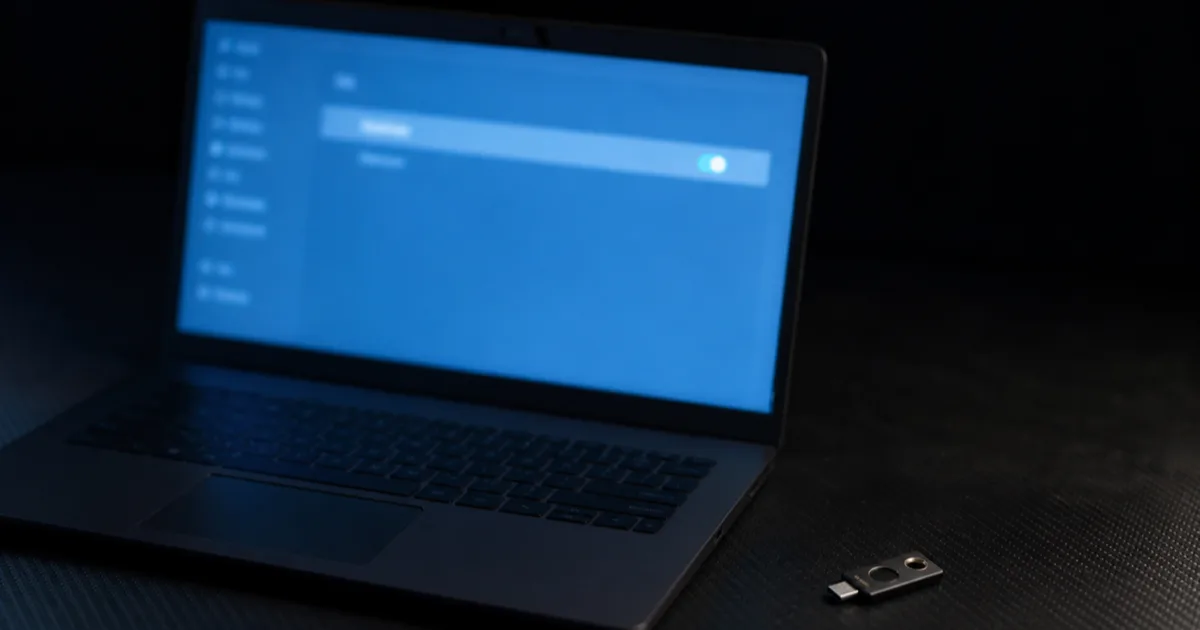
Email aliases after a data breach: when to keep vs retire an address, plus-addressing, and spare inboxes for risky signups. Check each address separately.

Email vs phone vs username breach checks: what each match proves, scrape/SIM risk, and when to use the email checker vs a password tool. Check your email free.
Compare free data breach checkers in 2026. Have I Been Pwned is the gold standard; EmailLeaked is a no-signup second opinion with plain-English next steps.
Google retired Dark Web Report in February 2026. See what it was, why it shut down, and how a free breach check replaces it — plus what those tools cannot do.
How email breach checkers work in 2026: public breach databases vs a live dark web scan, k-anon password checks, and what a clean result does not prove.
Mozilla Monitor vs EmailLeaked: account alerts vs a no-signup check. Both can help. Compare signup, privacy tradeoffs, and when to use each tool in 2026.

Use a password manager after a data breach to stop reuse, shrink the change blast radius, and start with email, bank, and reused sites. Check your email free.
Password-reuse change checklist after a credential match: email first, then bank, reused sites, then 2FA. Printable steps, not a password-tool page. Check free.
The biggest new breaches and what to do — one email a month, no spam.